

Edit church graphics in your browser, with your church’s look.
Start from a church template, add your logo, colors and fonts, then download a PNG or JPG.
From US$29.95/month · 7-day trial for eligible new owners (card required)
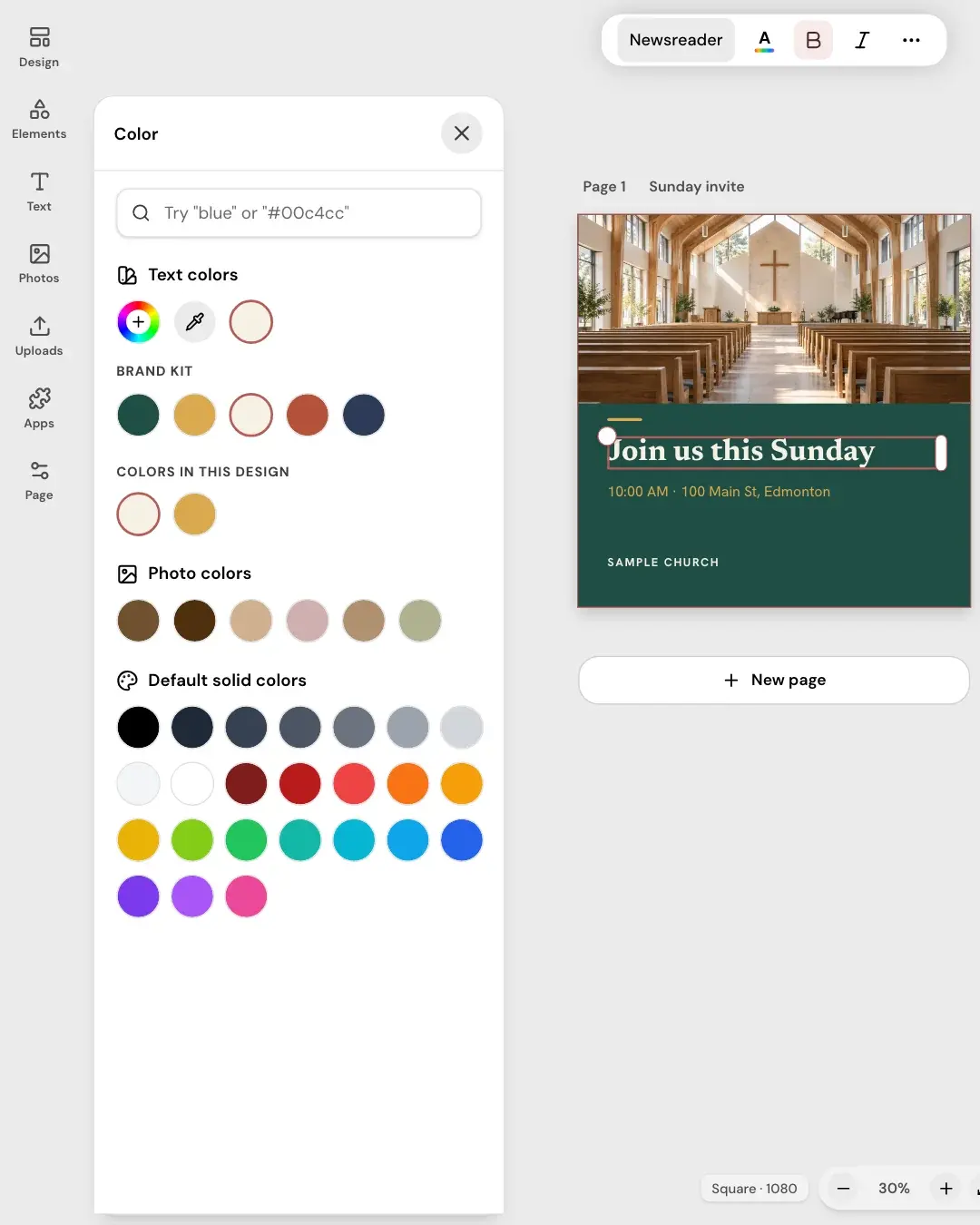
Three steps from template to image
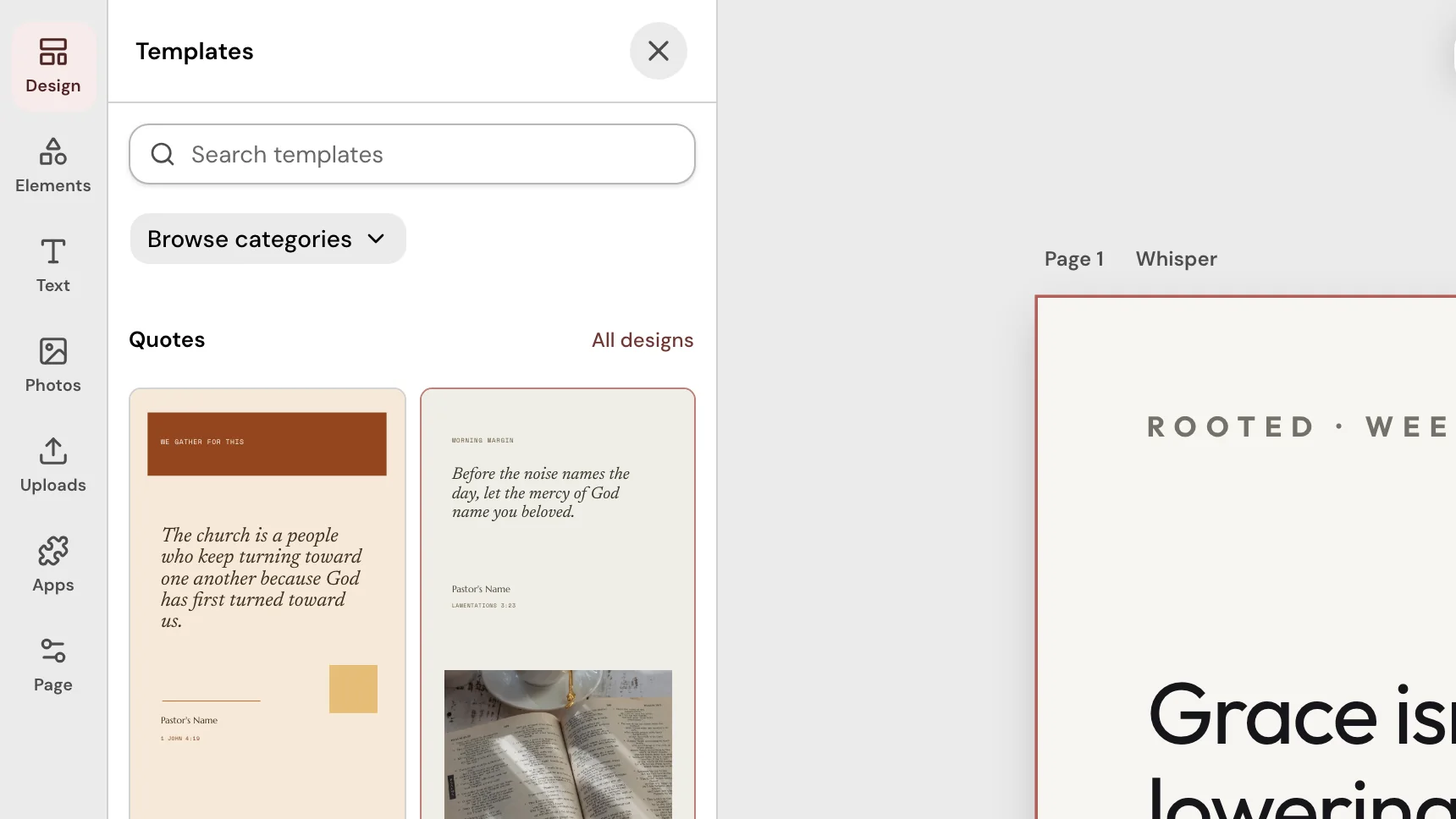
1Pick a template
Church templates for verses, quotes, invites and more, or a blank page.
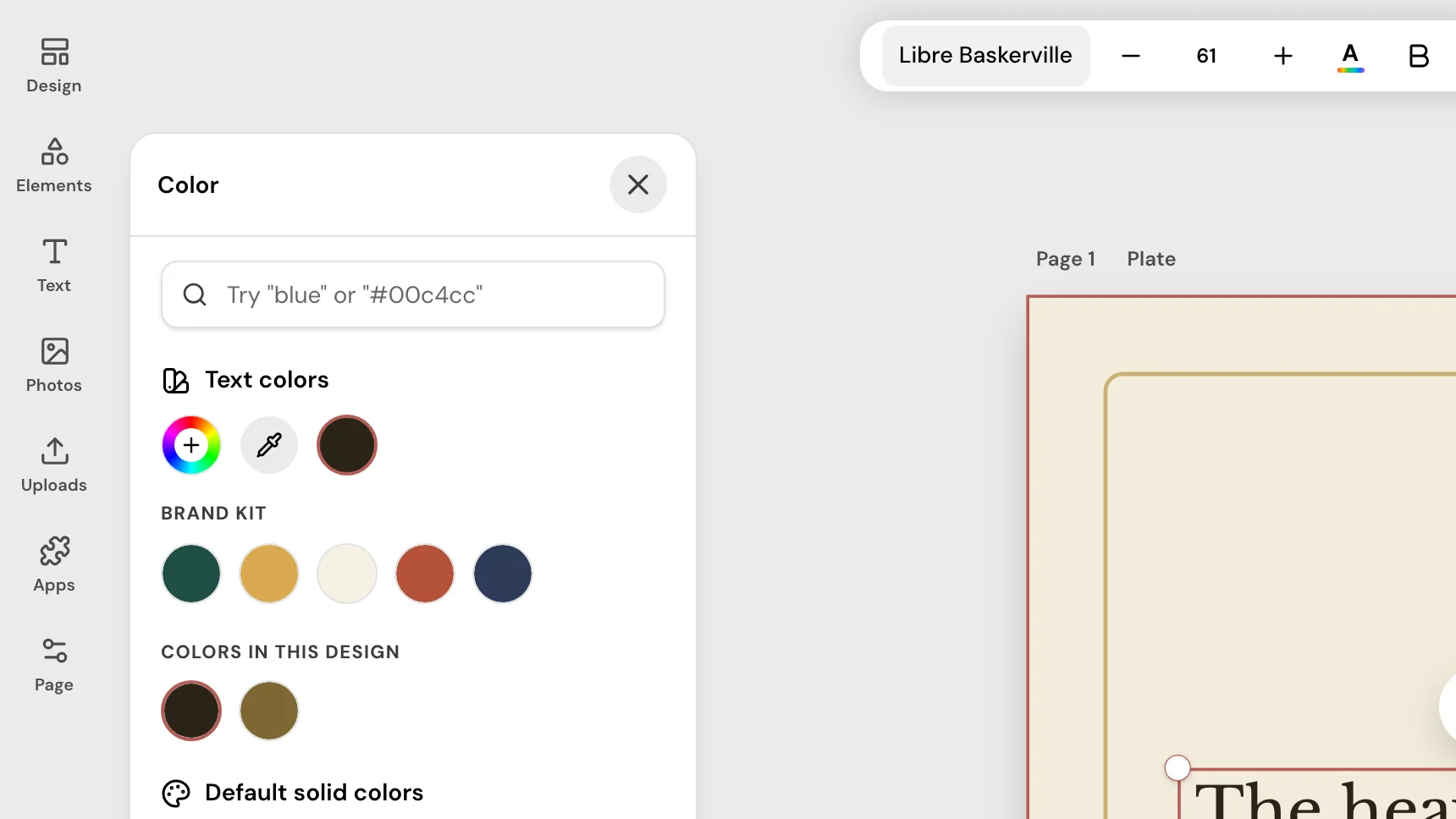
2Add your church’s look
Your Brand Kit colors appear as swatches, and one click sets your fonts.
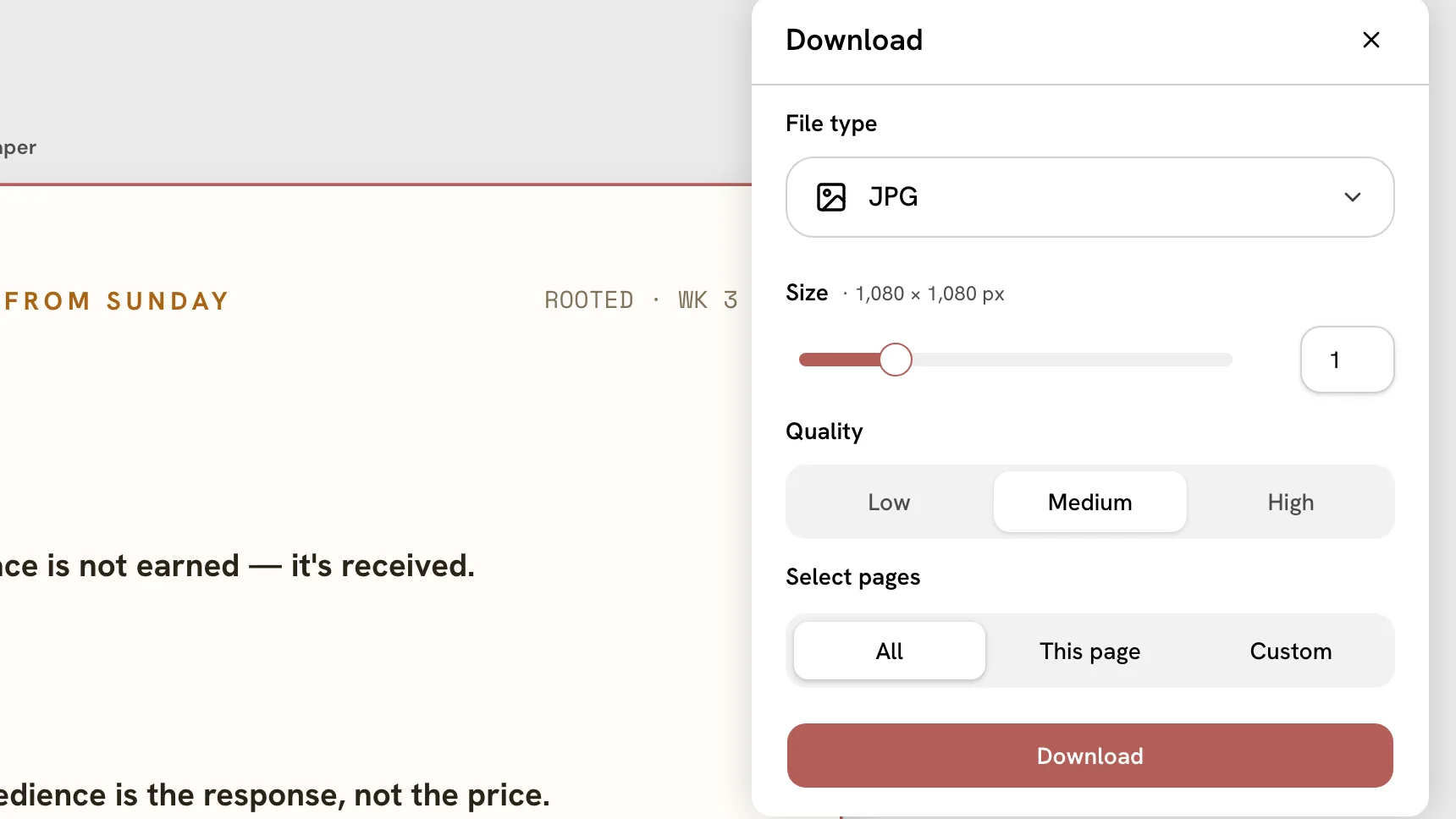
3Download it
Save a PNG or JPG, then share it wherever you choose.
What you can do in Design
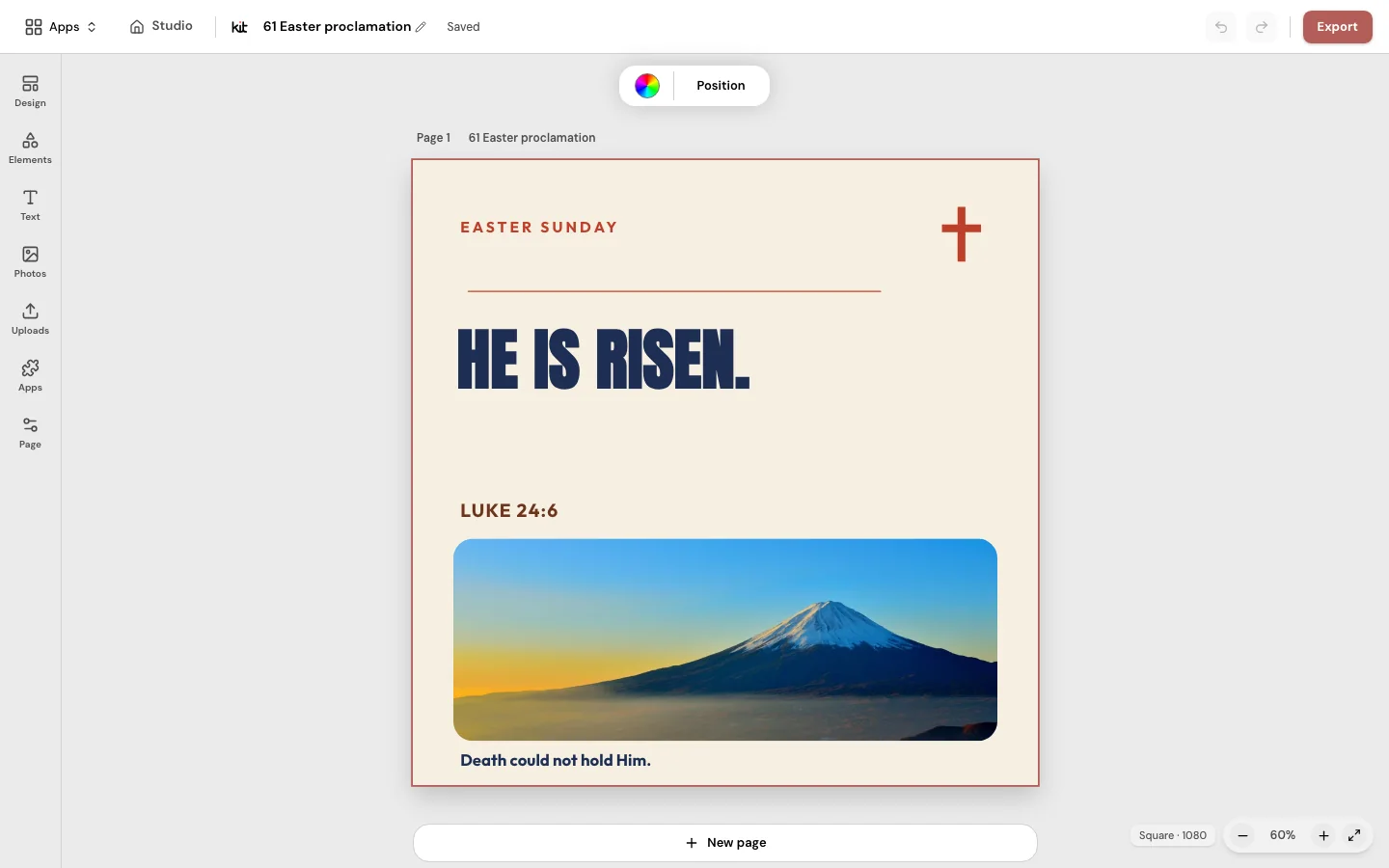
Edit in your browser
Change the words, photos and colors on a church template.
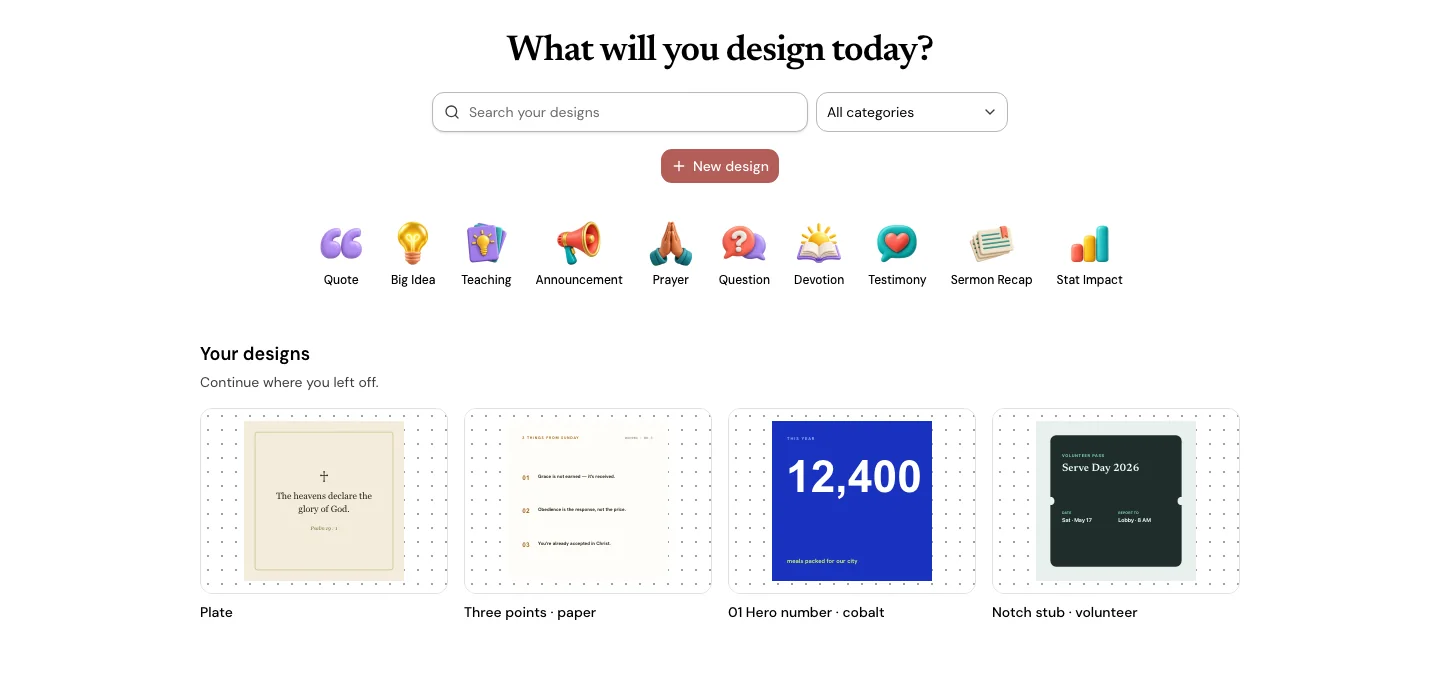
Every design in one library
Find your church’s designs and keep working on them.
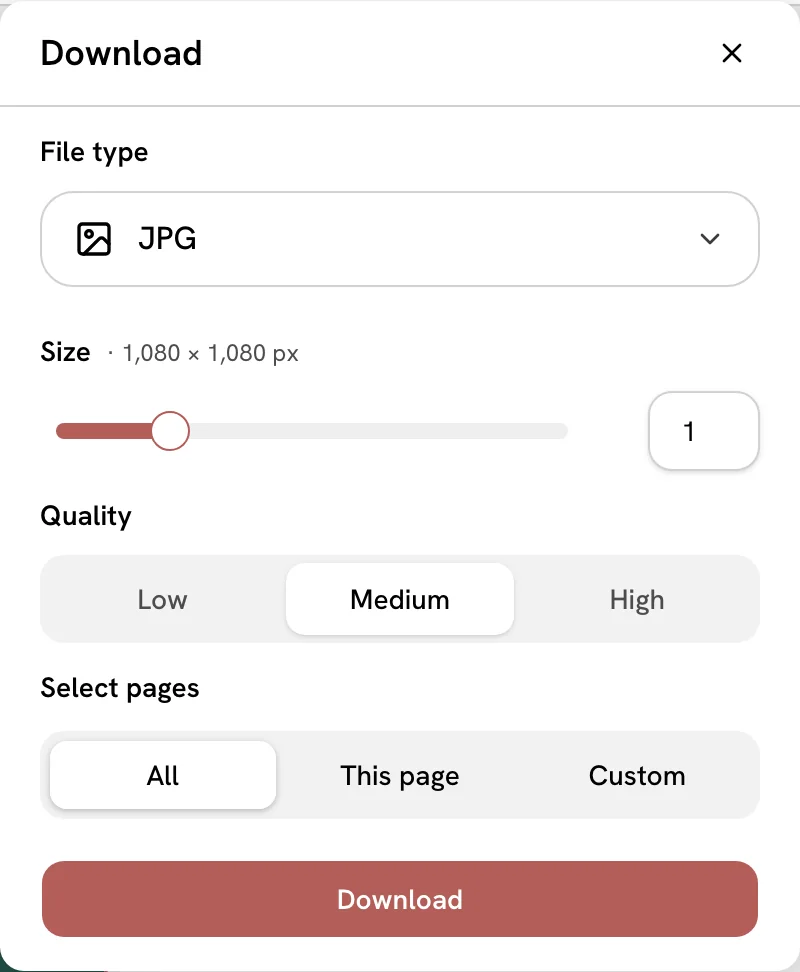
Download a PNG or JPG
Choose the file type and quality, then share it yourself.
Comes with every plan
From US$29.95/month · 7-day trial for eligible new owners (card required)
Design is part of Church Media Kit, with no separate charge. Plans differ by Seats.
Questions about Design
What is Design?
Design is a browser editor for church graphics: start from a church template, add your church’s logo, colors and fonts, then download the image. It is part of Church Media Kit.
Do I need design skills?
No. Start from a church template, change the words and the photo, and download it. You can leave everything else as it is.
Can it use my church logo, colors and fonts?
Yes. Set your Brand Kit once: your logo, up to six colors and two fonts. Its colors appear as swatches in the editor, and Apply Brand Kit sets your fonts.
Does it post for me?
No. Design saves images to your device, and you share them wherever you choose.
Your church’s look, ready on Sunday.
From US$29.95/month · 7-day trial for eligible new owners (card required)