

Four steps from template to image
Pick a template or start blank
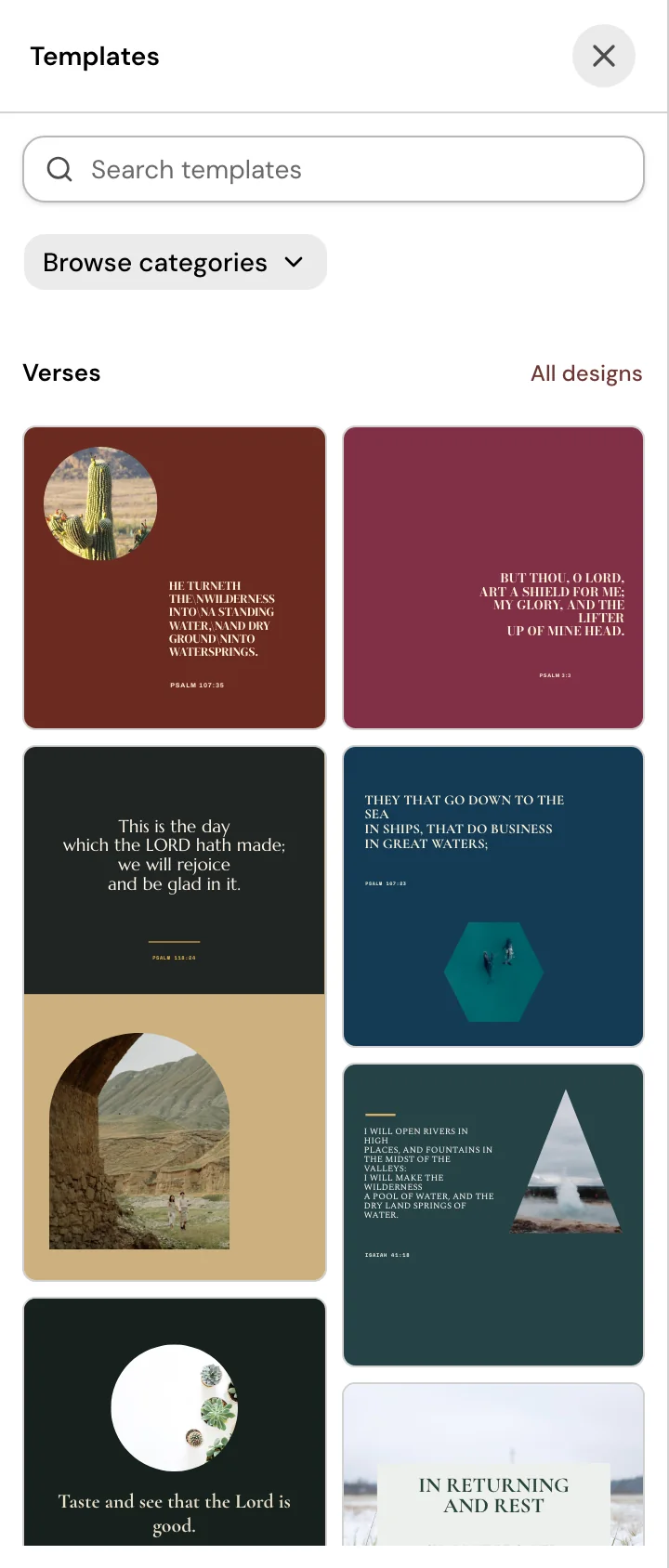
Open Design, then choose a church template from the Templates panel, or start a blank design in Square, Portrait or Story size. Church Screens templates are 16:9 (1920 by 1080) and keep that size.
Edit the text, photos and colors
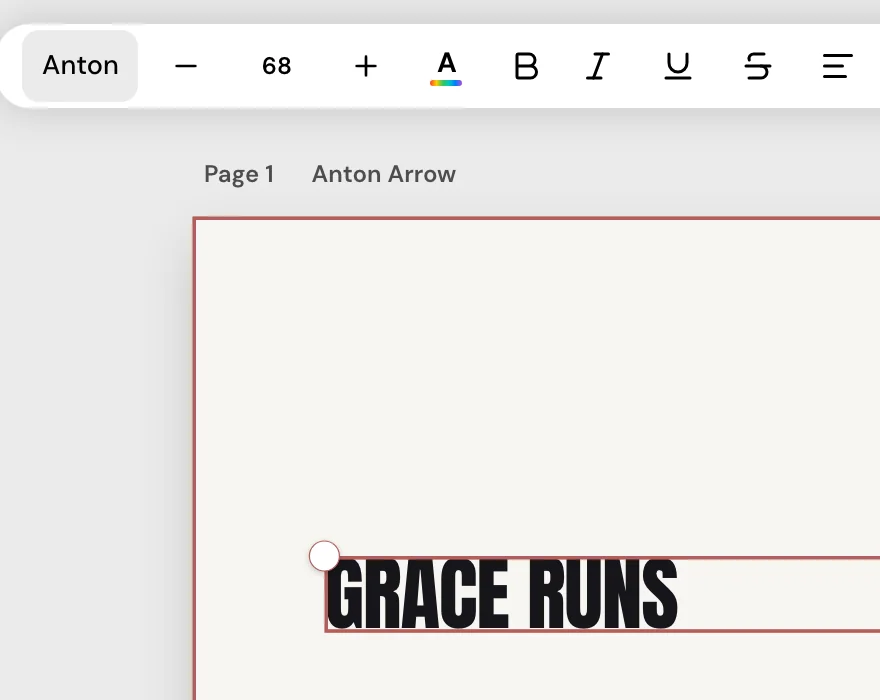
Click the text to change it, search photos or upload your own, and move things around the page. Add more pages to the same design if you need them.
Use your Brand Kit
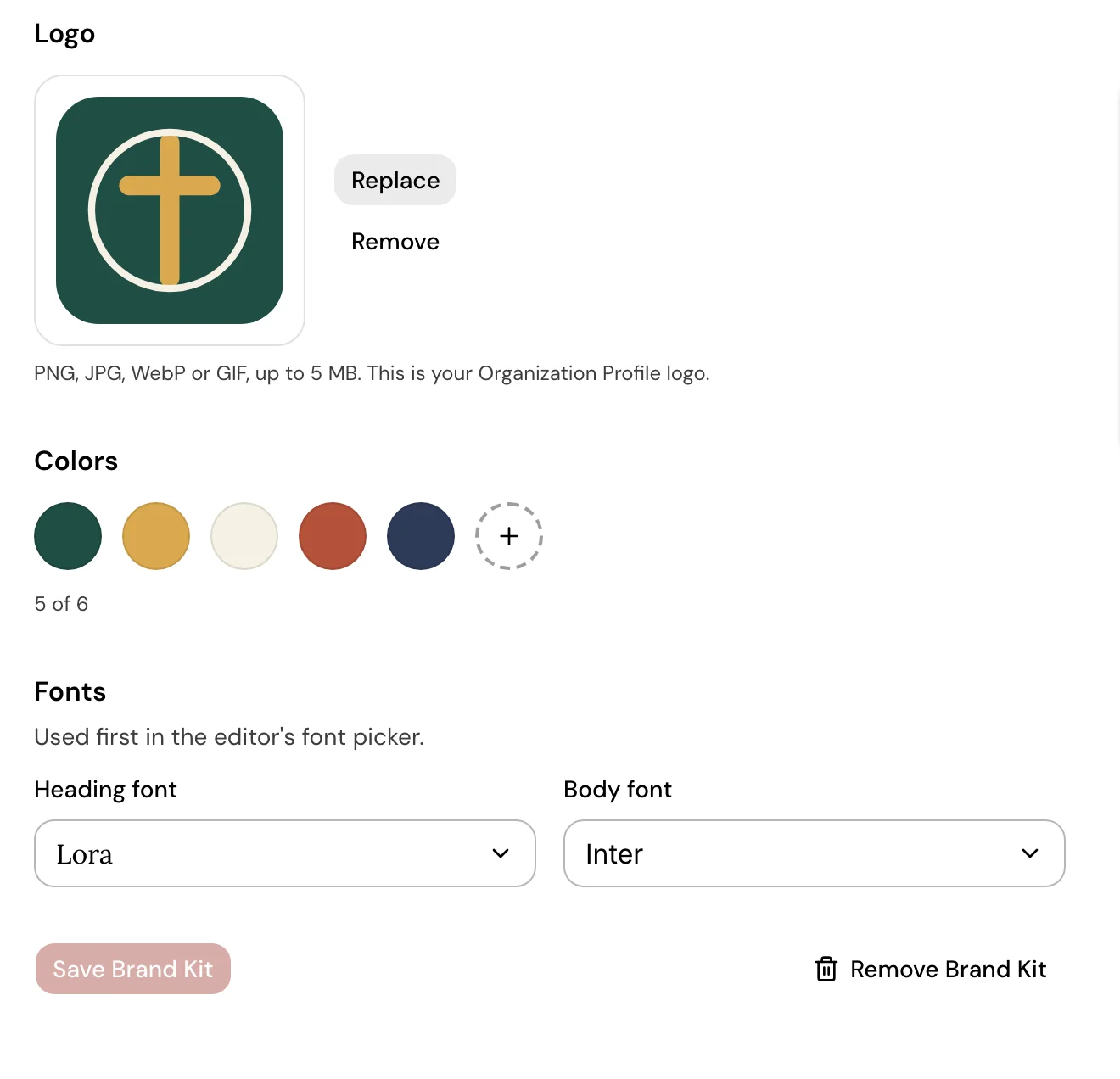
Set your logo, colors and fonts once on the Brand Kit page. In the editor your colors appear as swatches, and Apply Brand Kit sets your heading and body fonts.
Download it
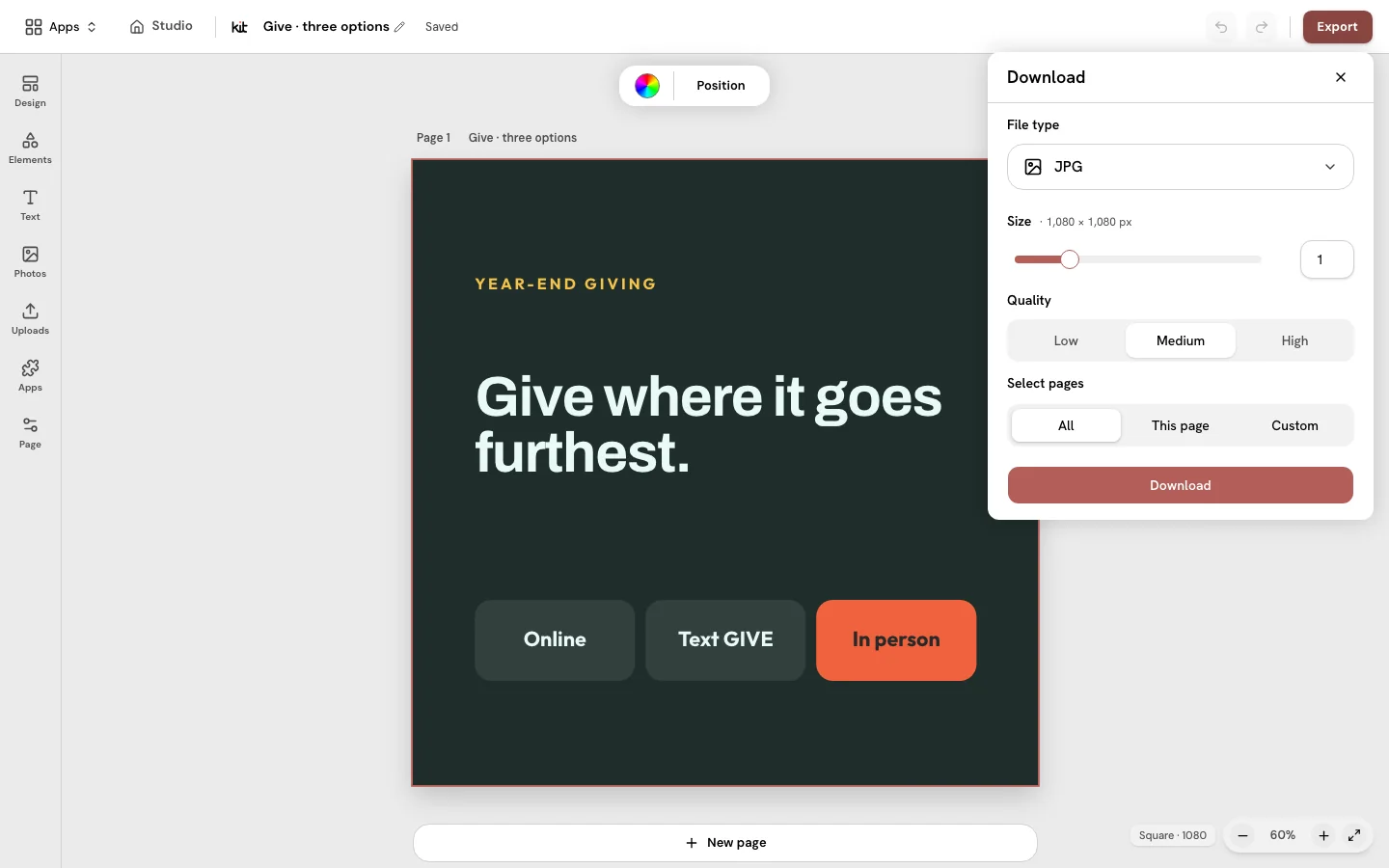
Choose a JPG or a PNG, pick the pages, and download one image or a ZIP. You decide where it goes next.
Good to know
- Downloads are still images: PNG or JPG, or a ZIP of pages.
- You review everything before you use it. Design does not send anything to your social accounts.
- Editors and Publishers on your team can download the church’s shared designs they can edit.
- Blank designs and Resize use Square, Portrait and Story. Church Screens templates are 16:9 (1920 by 1080) and keep that size.
Your church’s look, ready on Sunday.
Start from a church template, add your church’s look, and download the image.
From US$29.95/month · 7-day trial for eligible new owners (card required)